
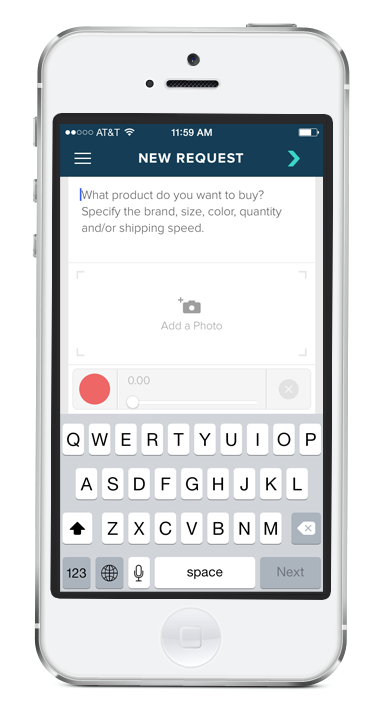
Confirm Shipping and Billing Info
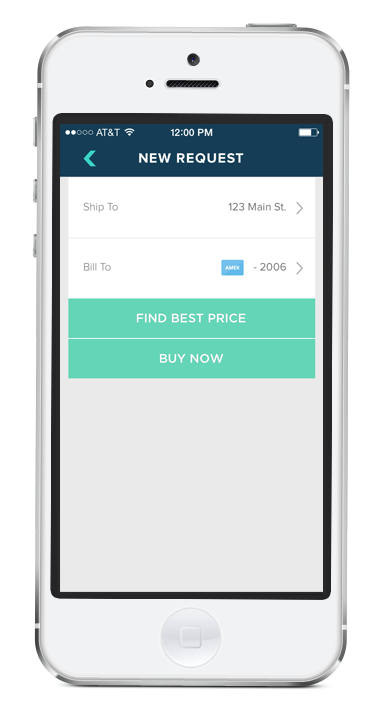
Next, confirm the payment information and shipping address from your Fetch profile. If you click “Find Best Price,” you’ll receive a push notification in a few minutes allowing you to review best available price online before completing the purchase. (Or, if you already have a sense of the price and just want to place the order, click “Buy Now,” and your Fetch buying assistant will find the best price and place the order on your behalf.)
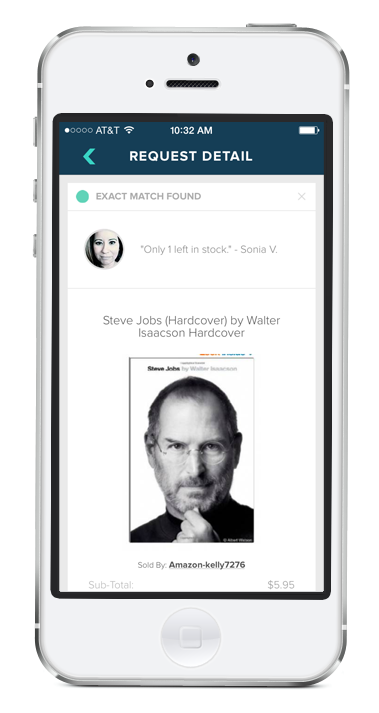
Place your order
Within a few minutes, your Fetch buying assistant will notify you of the best price available online, including shipping/taxes, and the estimated delivery date. Feel free to add additional instructions to the order before clicking “Buy Now”. Fetch will place the order for you using your billing/shipping information and you’ll receive the ecommerce receipt directly from the retailer.
Review Past Orders
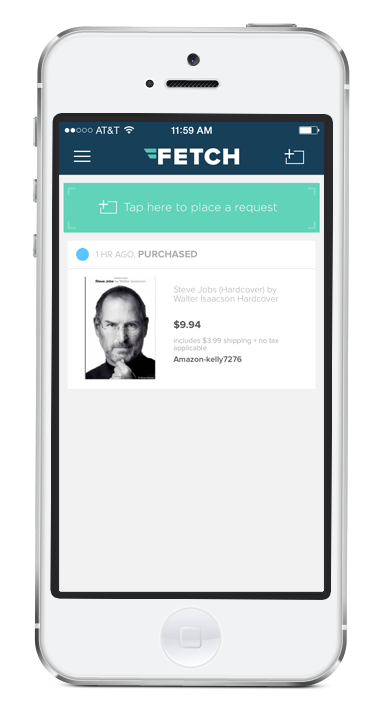
Click on the menu button in the top left to navigate to the Dashboard where you can review your pending requests and past purchases.
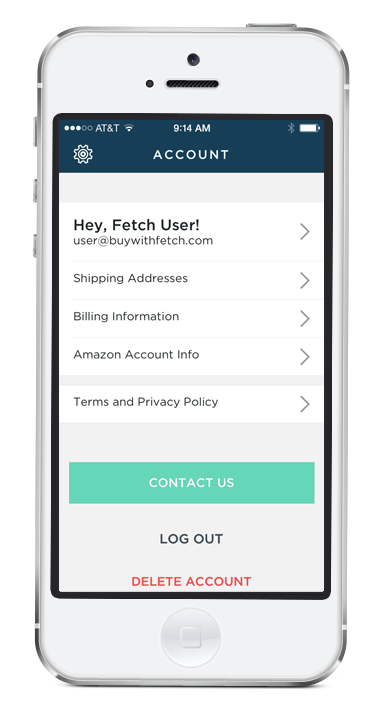
Manage your Account
Head to the Account section to add new shipping addresses or credit cards. If you’re an Amazon Prime member, you can provide your Amazon credentials to authorize Fetch to place orders using your Amazon account.